
Sage
Uploading Service Invoice from CSV file
Uploading Service Invoice from CSV file
Sales Invoices are often raised on an external in house system with the facility to download to excel or CSV. Sage has the ability to upload a CSV file (also excel in 2012 version), using the nominal audit trail option. To do so a CSV file must contain certain columns, a full list can be found in the help section. The details below are an example of a sales invoice.| entry | Customer | Nom Code | Dept | Date | Ref | Details | Net | T/C | VAT |
| SI | IMPE001 | 4000 | 01/02/2012 | IN1001 | IMPE001 | 110.00 | T1 | 19.25 |
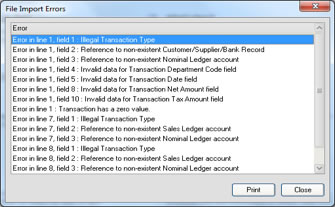
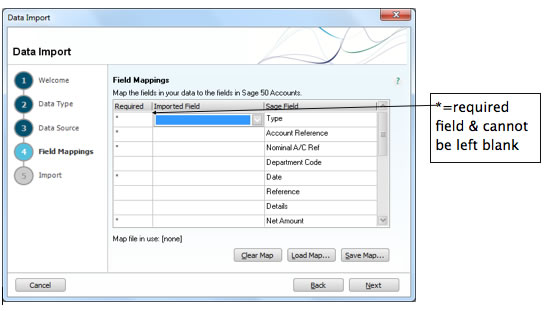 Any errors will be listed example as below.
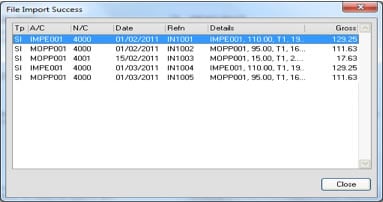
 – Once corrected close and try run again. You will receive message confirming import success and close and close again.
Comments
Be the first to leave a comment.
Leave a comment