
Sage
Sage: Customer and Supplier Reports
Customer and Supplier Reports
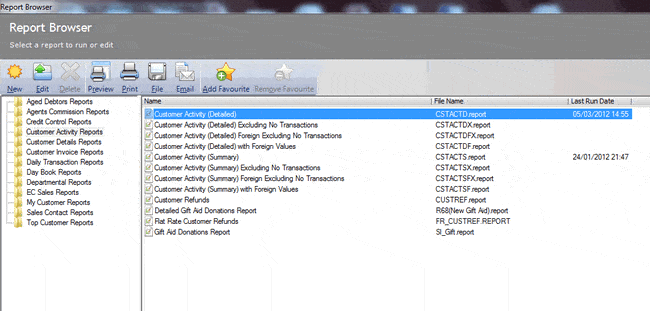
The same reports can be found in the customer and supplier area. For this example I will refer to the customer however it does refer to supplier too.
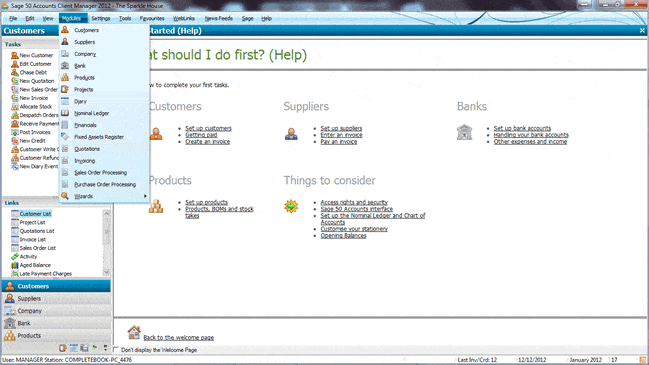
Access the Customer area from the Navigation bar or the Modules menu.
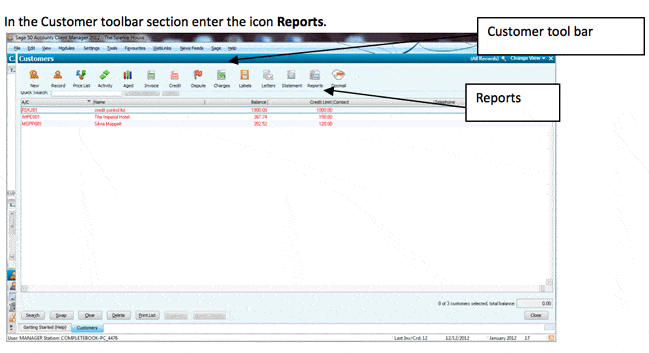
 In the Customer toolbar section enter the icon Reports.
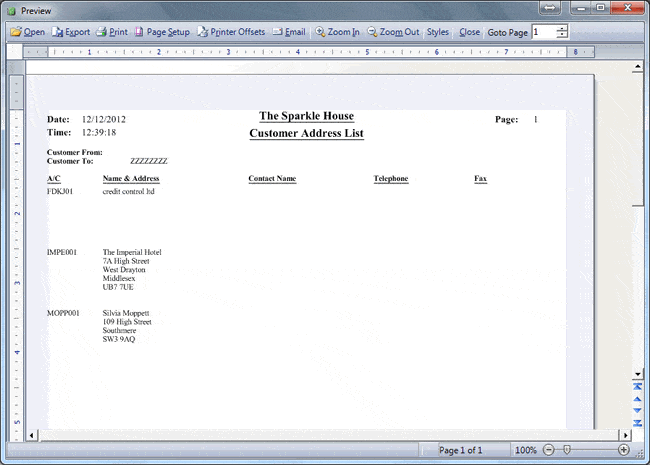
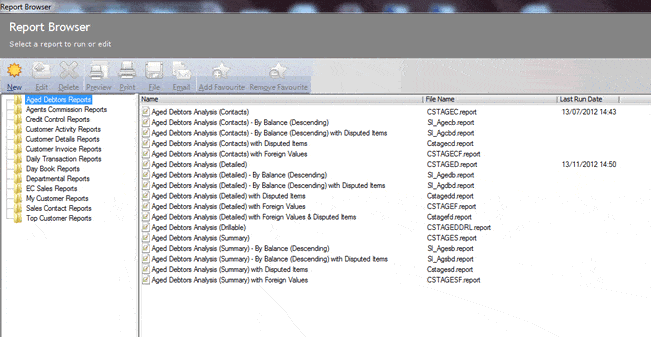 Customer Address List
Reports / Customer details reports / Customer address list
Customer Address List
Reports / Customer details reports / Customer address list
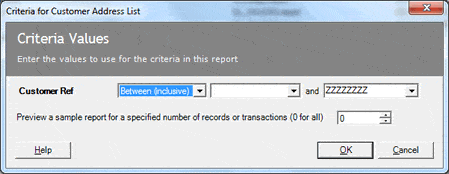
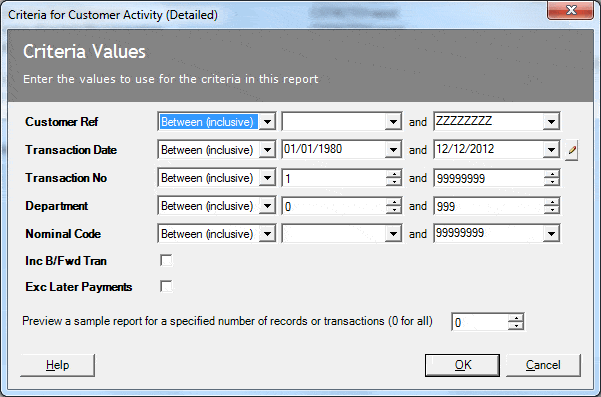
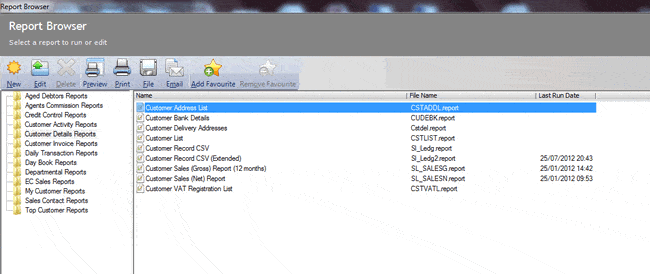 Criteria will be given where you have the ability to enter customer account numbers you will like to print between – leave as default if you would like to print all accounts, and click ok.
In the Customer toolbar section enter the icon Reports.
Customer Address List
Reports / Customer details reports / Customer address list
Criteria will be given where you have the ability to enter customer account numbers you will like to print between – leave as default if you would like to print all accounts, and click ok.
Comments
Be the first to leave a comment.
Leave a comment